
One project. Every trade. The whole workflow.
Follow a real two-storey new build from the architect’s drawing set through the Smart Project Planner and into every connected AI tool — and see how quoting, planning and job management fit together.
Everything in the Demo
Start with the sample project, then open any AI tool — they all work from that same job.
 Rev B Approved
14 Wandoo Avenue — Two-Storey New Build
14 Wandoo Avenue, Baulkham Hills NSW 2153
Pages analysed
9
Trades detected
4
Levels
2 — Ground + First
Approved revision
Rev B
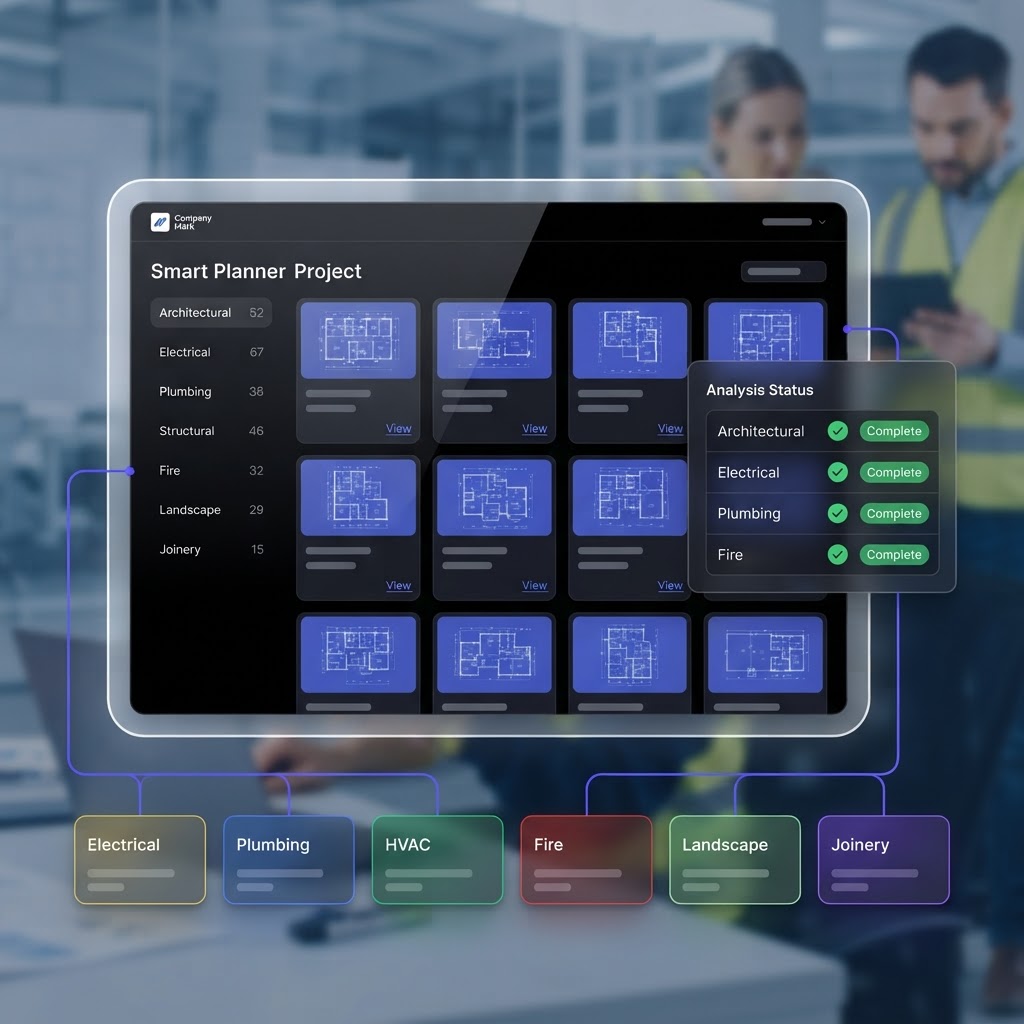
Smart Project Planner
One drawing set, understood once.
Upload the architect’s plan and AI reads every page — classifying architectural, electrical and plumbing sheets, extracting rooms, sizes and levels, and versioning every revision.
Interior Design AI
Your strongest visual feature.
Upload a room photo and AI redesigns it instantly — a photorealistic render plus an itemised furniture and materials plan you can turn straight into a quote.

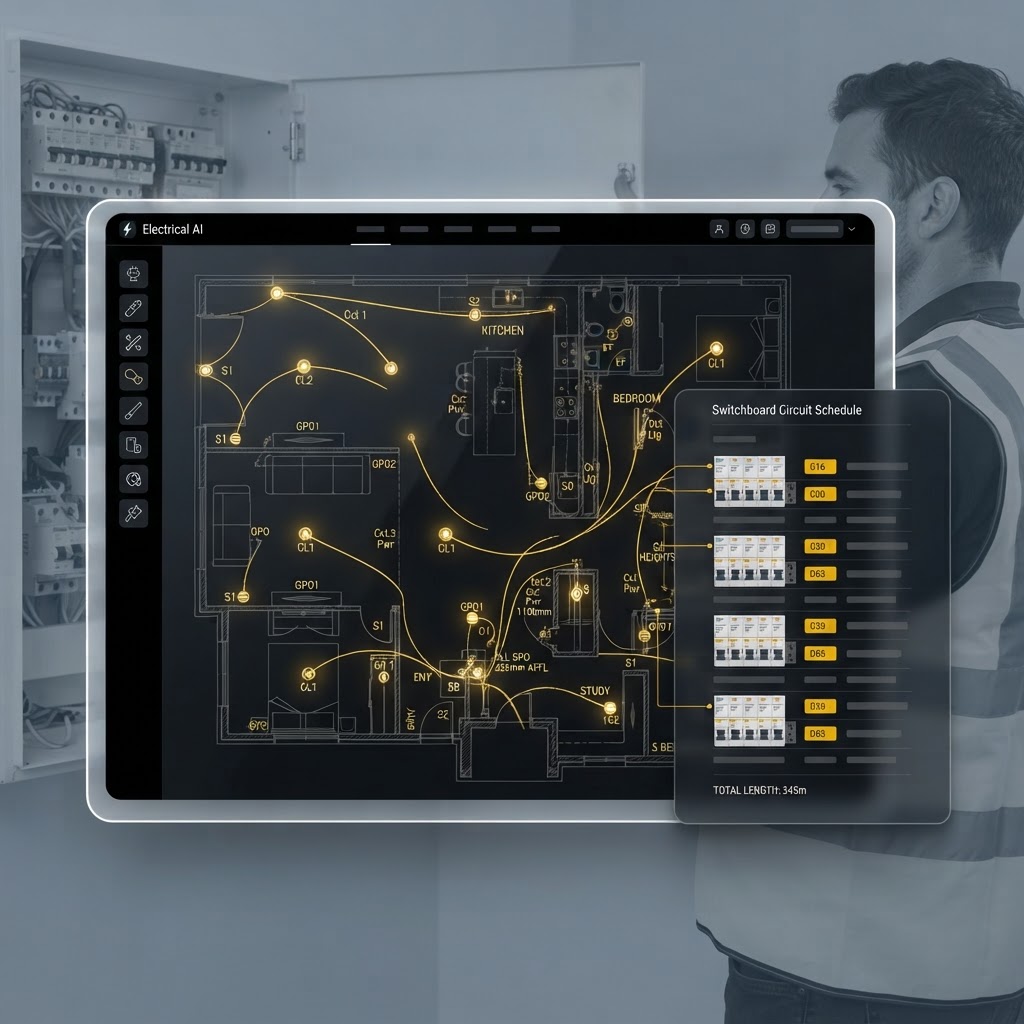
Electrical AI
Every switch, light and power point — placed.
AI places devices room-by-room on the classified floor plan, then builds the switchboard circuit schedule and prices the cable runs into the quote.
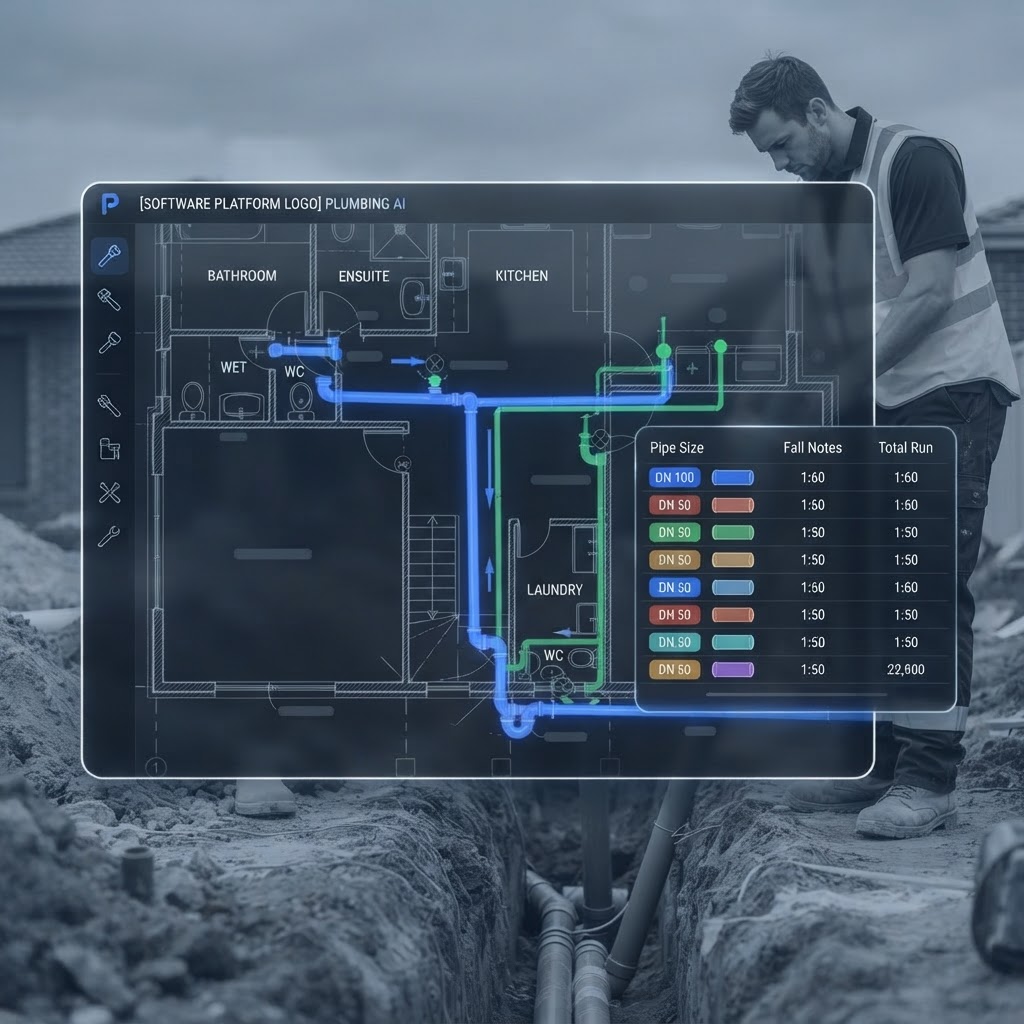
Plumbing AI
Wet areas detected, drainage designed.
AI detects wet areas, maps every fixture, and designs the under-slab drainage layout — complete with set-outs, pipe sizes and fall levels.
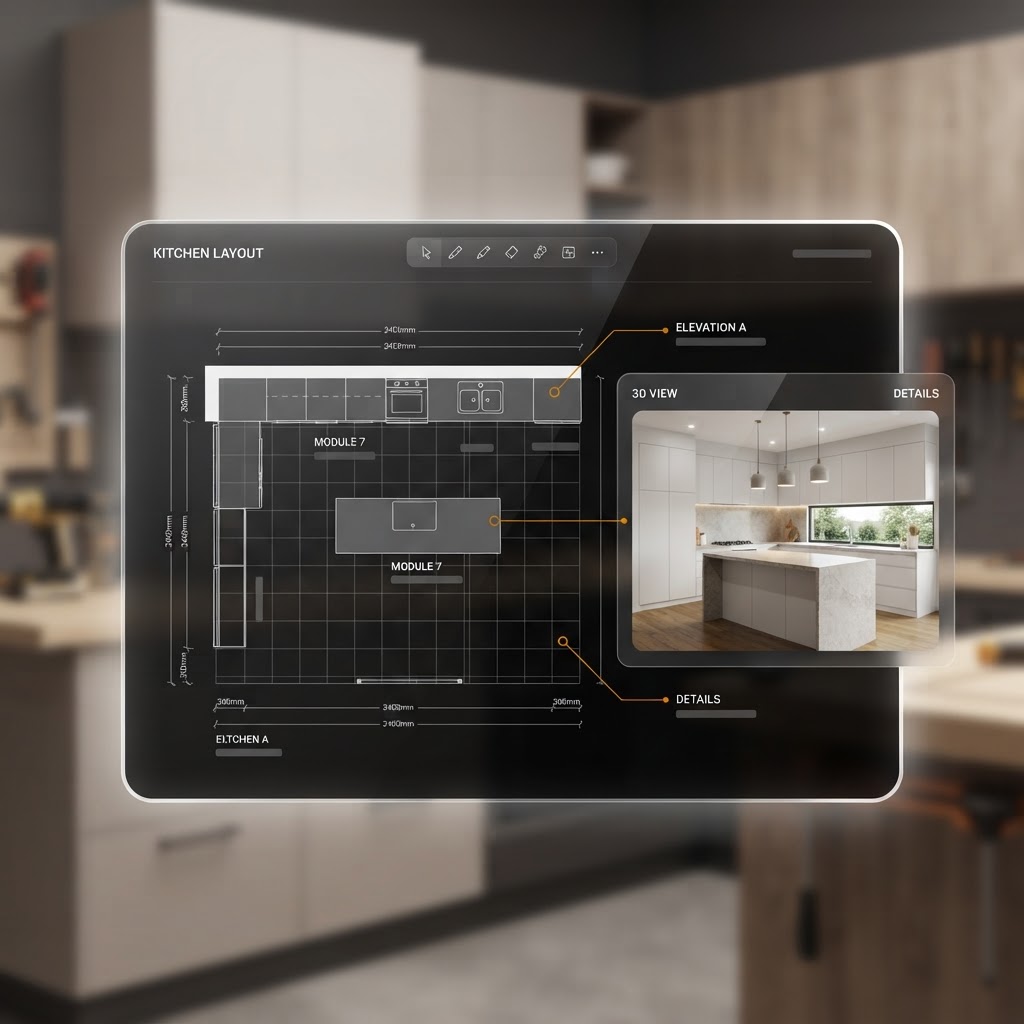
Kitchen Designer
Design in 2D, render in 3D.
Lay out the kitchen in 2D, let AI generate a photorealistic 3D render, and produce an itemised materials list you can turn into a quote.
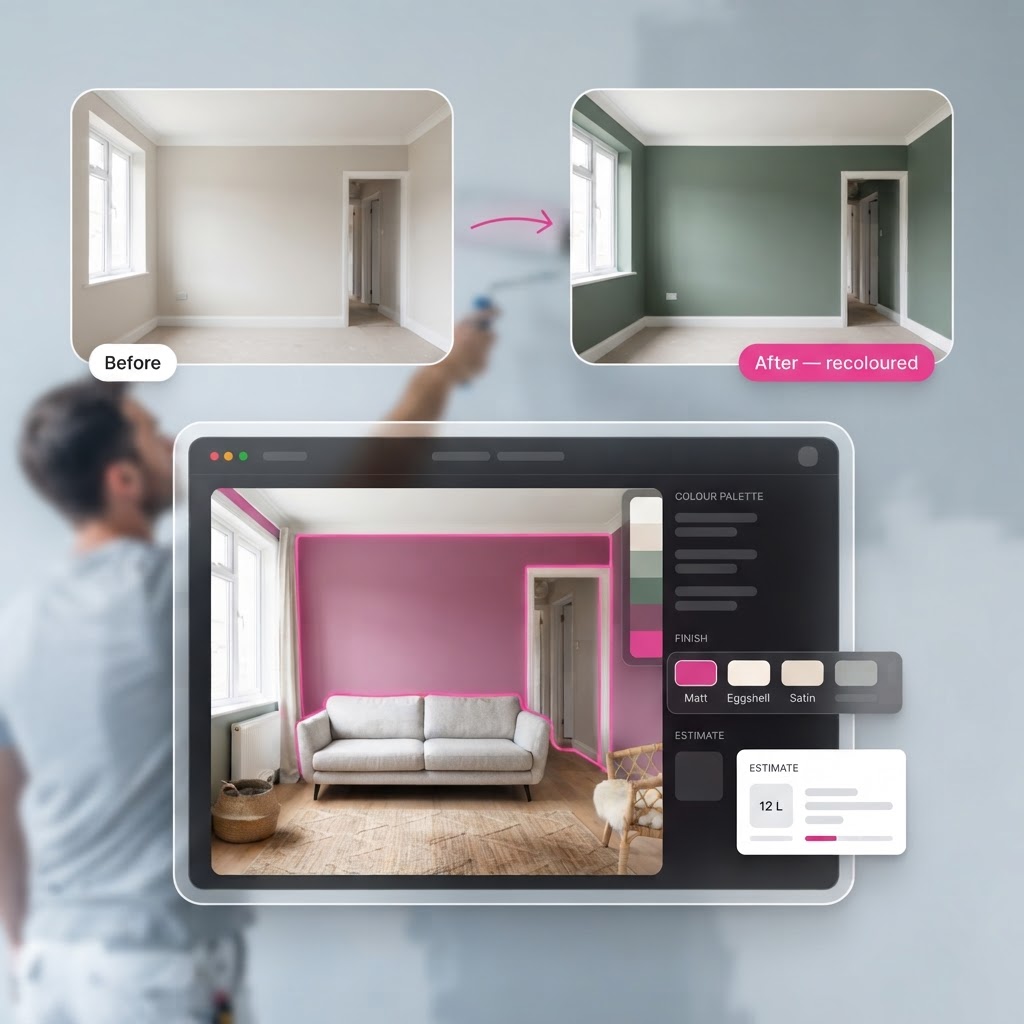
Painter AI
See the colour before the first brushstroke.
Upload a room photo, mask the surfaces, and preview real paint colours in place — then generate a photorealistic render and a paint quote.
Landscape AI
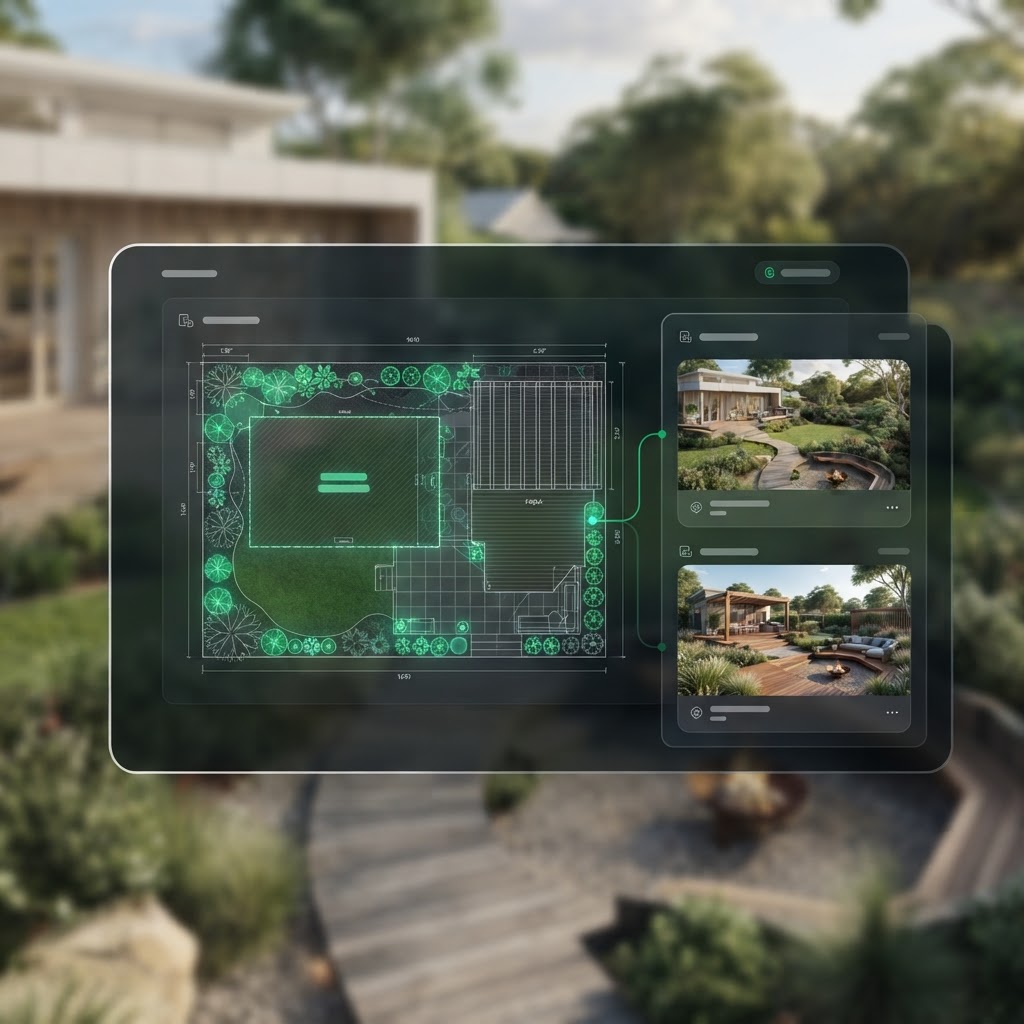
From bare block to finished design.
AI reads the full drawing set, then generates landscaping concepts with photoreal renders — approve one and convert it into an editable working plan with plant schedules and cost estimates.
Builder AI
Every wall detected, framed and listed.
Open the classified drawing set and AI detects every wall, then you configure framing, generate elevations and produce a full materials and cutting list.

Main Demonstration Video
A full walkthrough of Trade Management App — from quoting a job to recording payment.
Everything You Need to Know
Searchable written guides with step-by-step instructions and screenshots.
How It Works
Create Quote
Step 1Customer Approval
Step 2Create Job
Step 3Plan Your Day
Step 4Track Time
Step 5Send Invoice
Step 6Record Payment
Step 7Feature Tutorials
Watch short tutorials for every part of the app.
Tutorials coming soon.
Written Documentation
Searchable written guides with step-by-step instructions and screenshots.
No guides match your search.
Ready to Take Control of Your Trade Business?
Start your free 30-day trial—no credit card required.